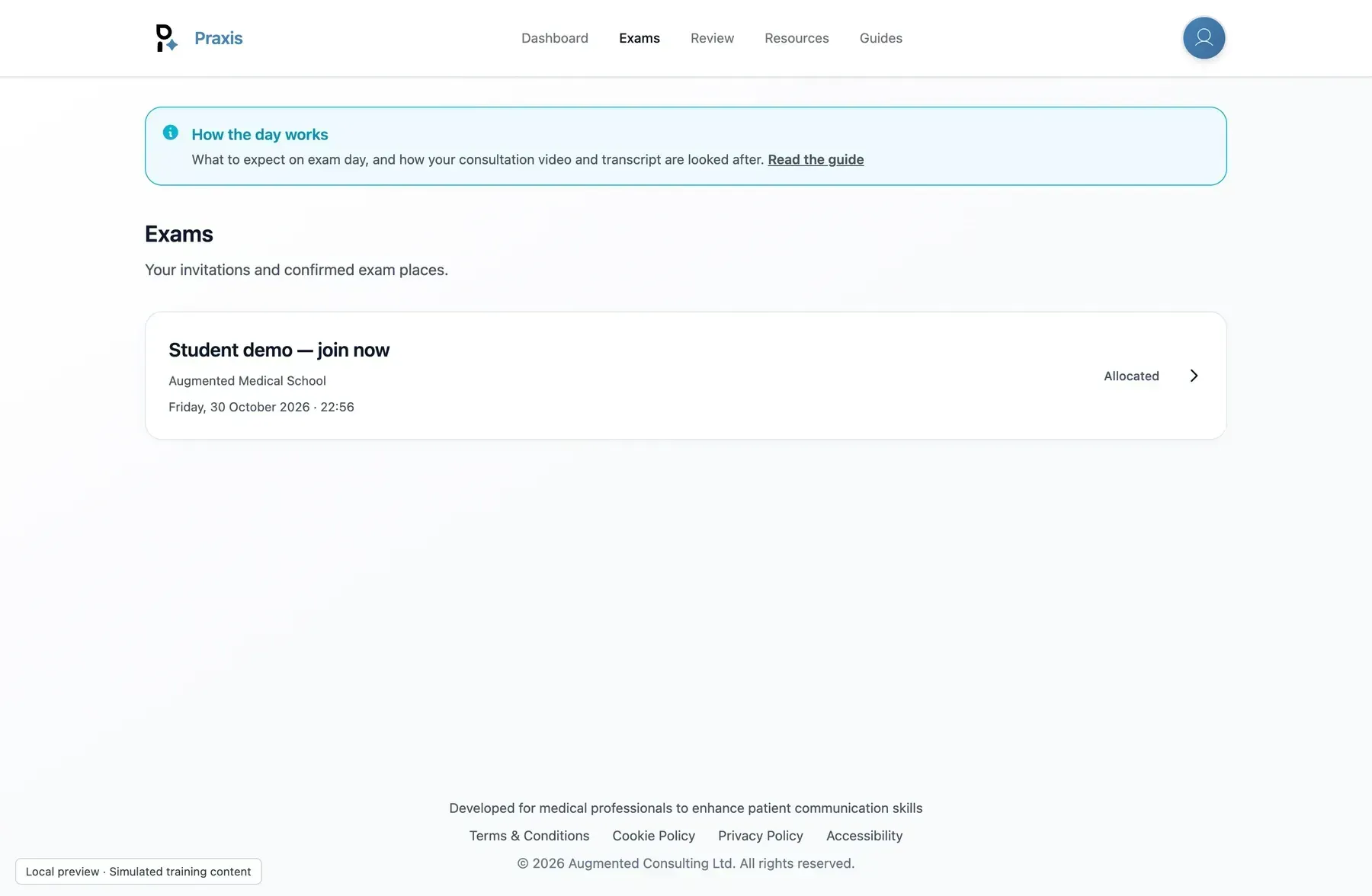

You have a little time to practise. Before the consultation starts, you need to choose a scenario, check any updates and get ready to speak. Those steps should be straightforward.
Alongside the new simulation engine, we’ve been improving the parts of you use before and between consultations. Here are the main changes.
Your updates in one place
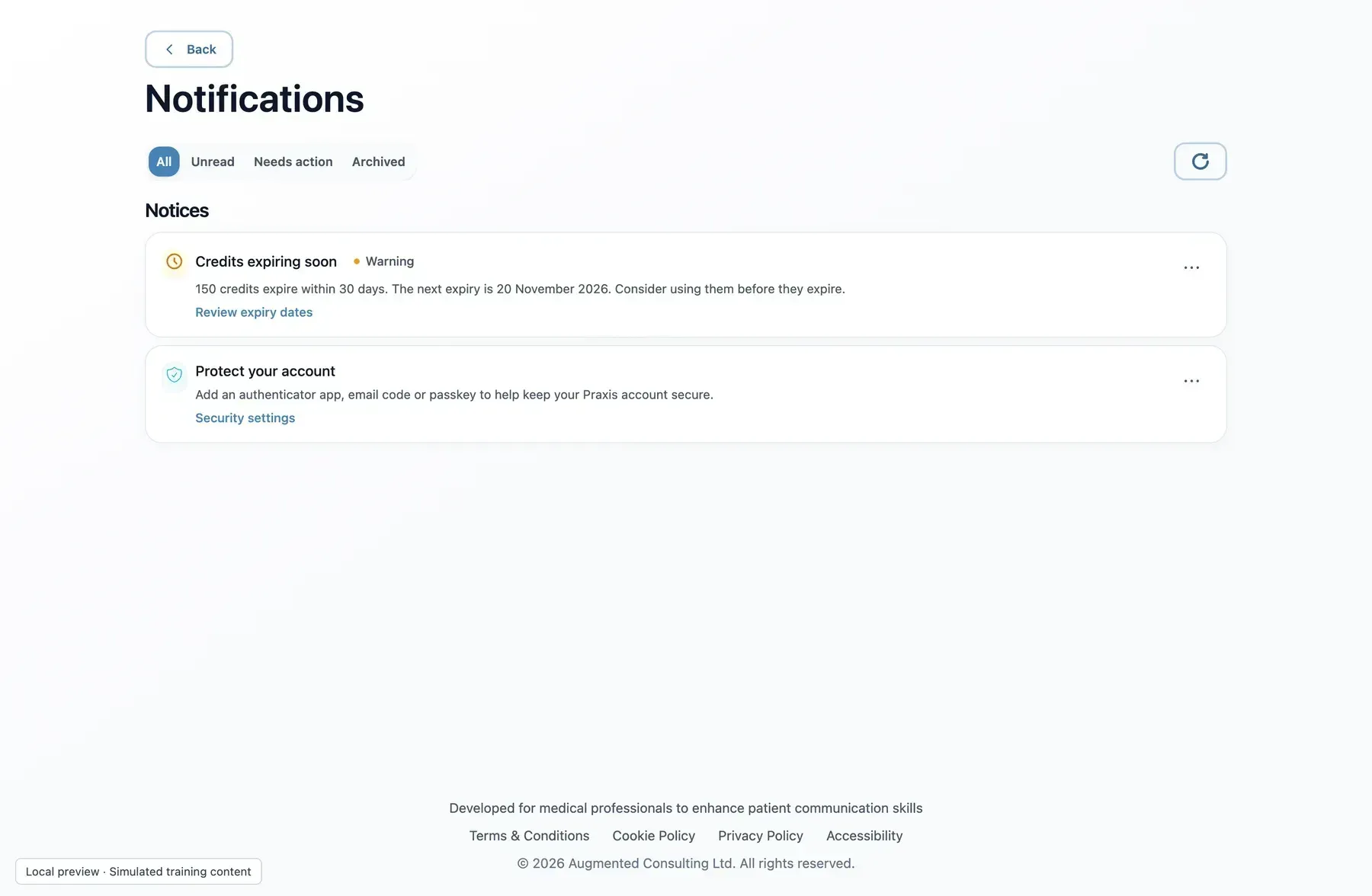
Notification Centre brings notices and notifications into a dedicated view. Four tabs help you find what you need:
- All: browse the inbox.
- Unread: see what you haven’t read.
- Needs action: find items awaiting a response.
- Archived: return to notifications you have set aside.
The featured screenshot shows demonstration notices about credit expiry and account security. Each has a relevant next step, such as reviewing expiry dates or opening security settings. A notice you need to read stays distinct from an invitation you need to answer.
Choose a scenario with a purpose
The scenario catalogue offers a few ways to narrow down what would be useful today:
- Setting and category: choose a consultation context or topic.
- Difficulty: find the level you want to work on.
- Grid or list view: browse in the format you prefer.
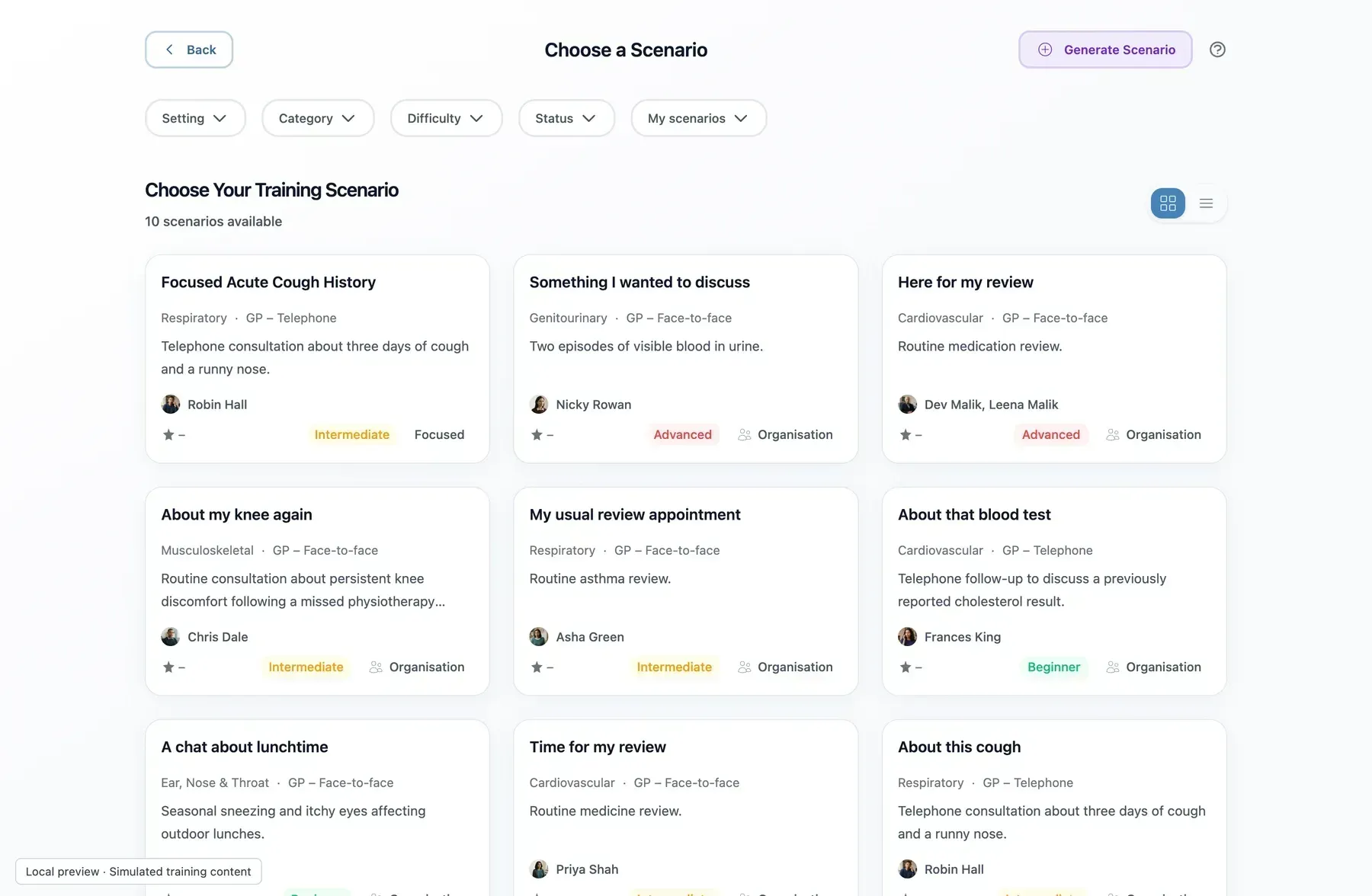
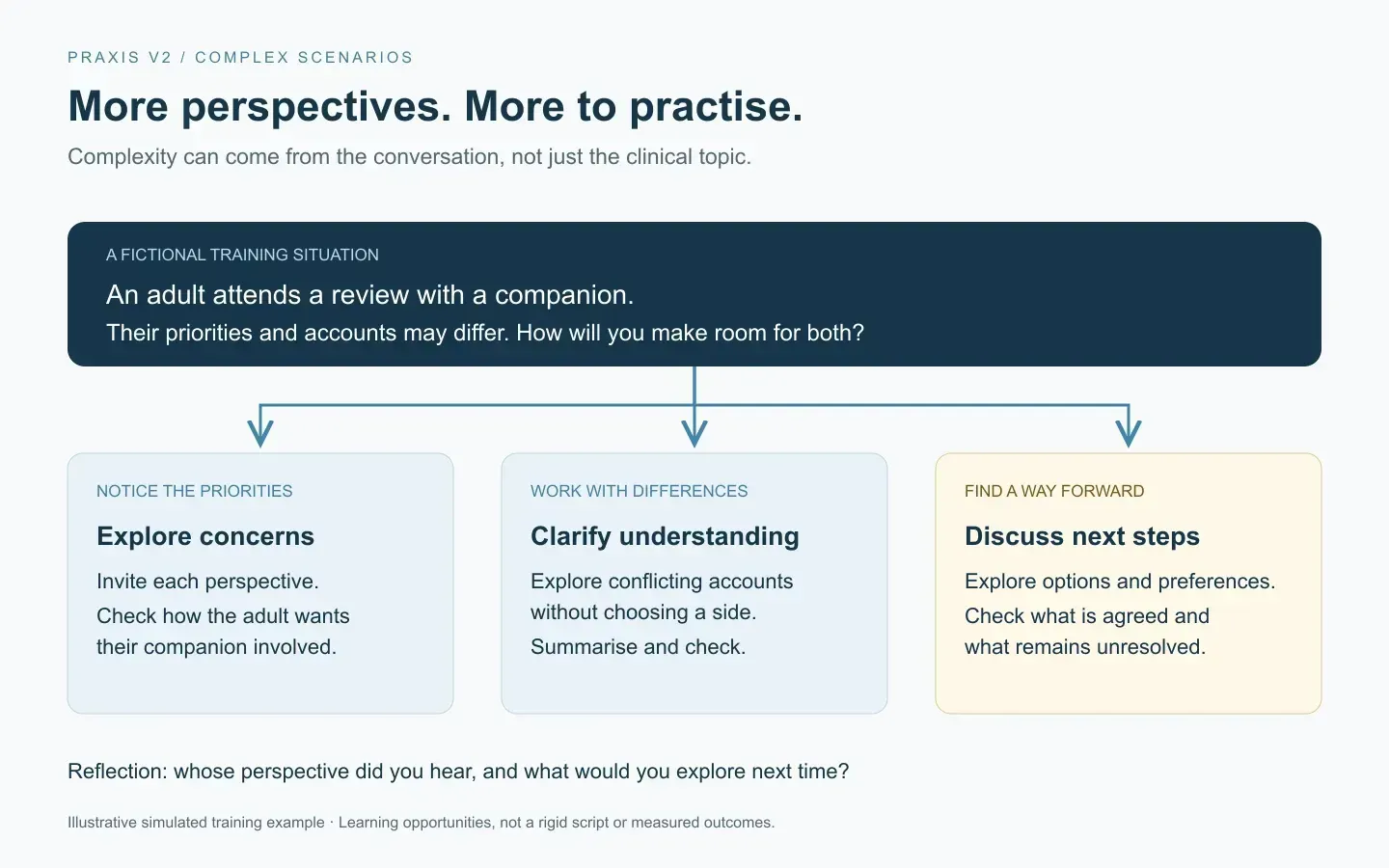
You might want a short telephone history, or a more demanding conversation involving a patient and companion. Seeing that context before you start makes it easier to choose deliberately.
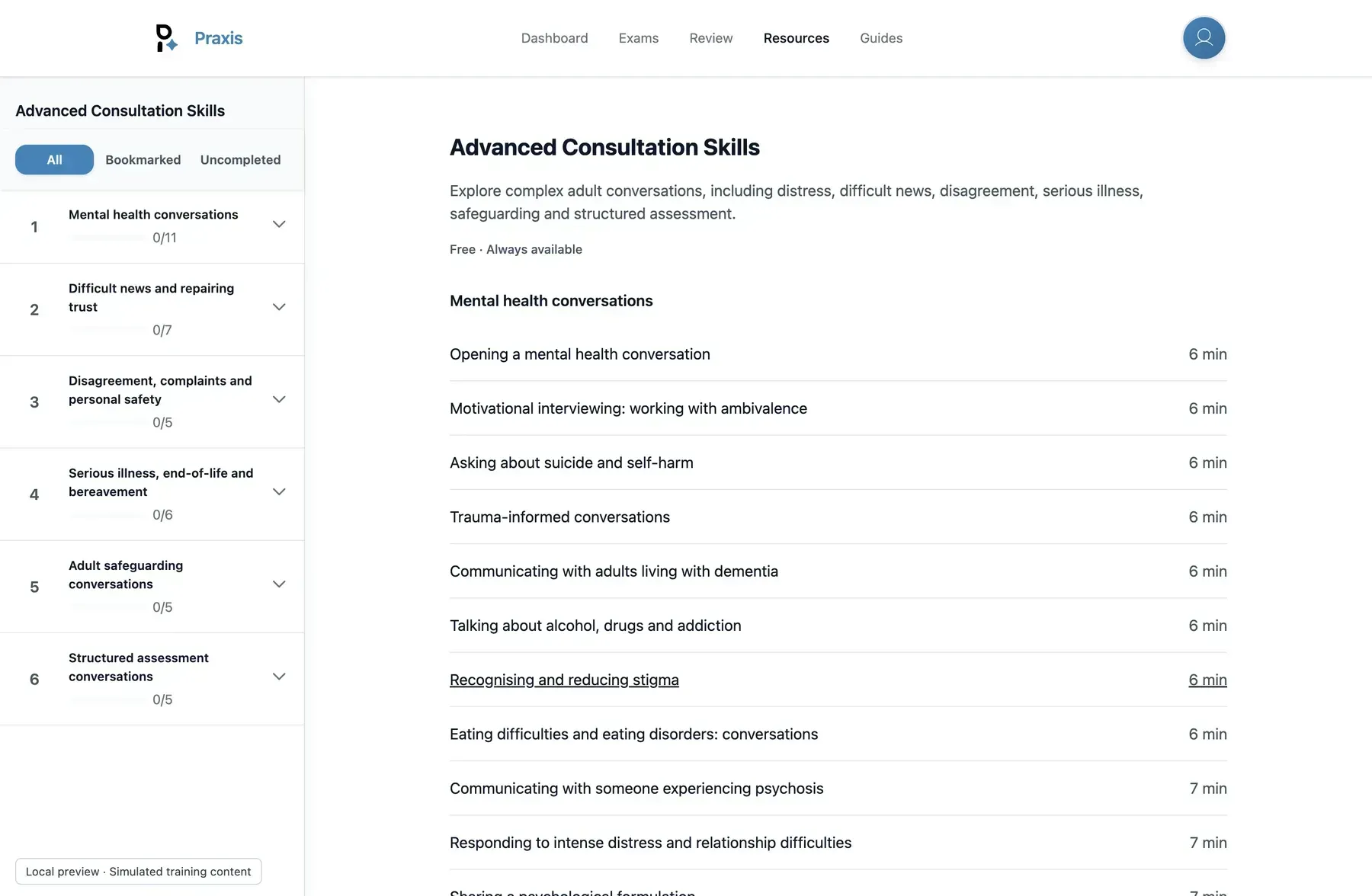
Our upcoming educational platform is being organised into Consultation Foundations, Advanced Consultation Skills and SCA Preparation. Those collections will give the teaching material clearer starting points too.
Less waiting during the conversation
A pause to think belongs in a consultation. Waiting for software to respond is different. Our V2 work includes reducing avoidable delays so the technology interrupts the conversation less.
We’re not promising one response speed for every session. Your connection, device and the consultation itself affect what you experience.
Screenshots show local previews with demonstration content. Credit quantities, dates and catalogue entries are illustrative. The educational platform is coming soon; organised exams are actively in trial and are not generally available.
These are small changes you encounter repeatedly: finding a scenario, responding to an invitation or checking an update. We want them to take less of the time you set aside for practice.